Oct 21, 2026Buying Guides
Automatic Pet Feeder Without WiFi: A B2B Stocking Guide
Compare button, battery and WiFi automatic feeders, see who should stock no-WiFi models, and review use cases for seniors, shelters and weak networks.
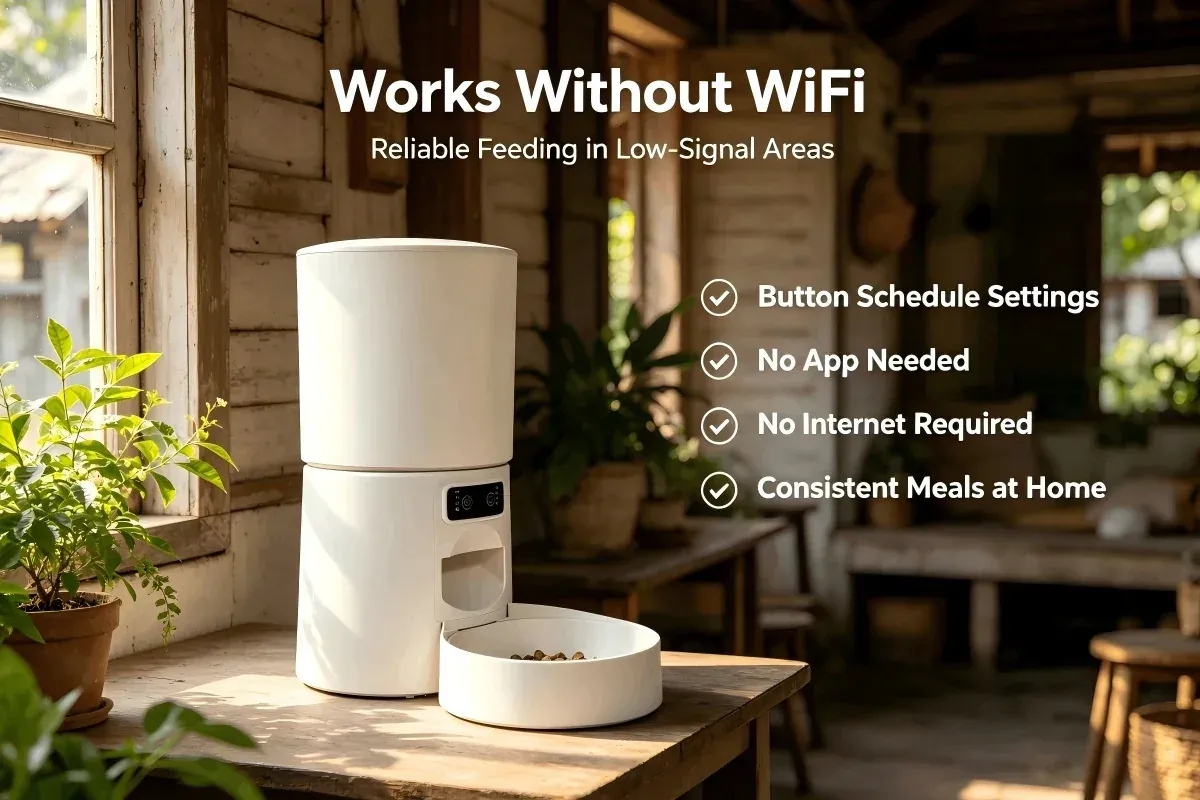
An automatic pet feeder without WiFi is not automatically a downgrade. For a large part of the market, it is the product that fits: no app to install, no network to maintain and no account support for the retailer. The trade-off is remote control and feeding logs, and that trade-off is acceptable for many buyers.
This guide compares button/timer, battery-first and WiFi feeders, explains who should stock no-WiFi models, and lists the specifications to verify. It covers use cases from seniors and shelters to unstable networks and short trips.
Button, Timer, Battery and WiFi: What the Labels Mean
Retail listings often mix four different things: the control method, the power source, the feeding schedule and the connectivity. A button feeder can still be timer-based. A WiFi feeder can still have a physical button. Separate the four before comparing SKUs.
• Button/timer: the schedule is set on the unit, usually as fixed intervals. No app, account or network is required.
• Battery-first: the unit is designed to run on cells as its main power source. This category usually has lower motor demand and a recurring battery cost for the user.
• WiFi/app: schedules, changes and sometimes alerts are handled in an app. The unit needs a network and the retailer inherits app-support questions.
• Video: a WiFi feeder with a camera. It adds remote viewing and two-way audio, plus higher price and data load.
The models in this article are button/timer feeders. The 5 L units use USB power with battery backup. They are not battery-first units, and that distinction should be clear in the listing.
Comparison: Button, Battery-First and WiFi Feeders
• Feature — Button/timer (no WiFi) — Typical battery-first feeder — WiFi/app feeder
• Main power — USB 5V input — Batteries — USB input
• Backup — 3 × D alkaline, about 6 h emergency — None or limited — 3 × D alkaline, about 6 h
• Schedule — Fixed intervals, set on unit — Fixed or limited settings — App schedule
• Remote changes — No — No — Yes
• Network required — No — No — Yes
• Portion control — 20/40/60/80 g ±5 g; manual 10 g ±2 g (5 L models) — Model-dependent — 10 g ±2 g, 1–10 portions (5.5 L video model)
• Setup — Buttons and manual — Insert cells — App pairing
• Support load — Low — Battery questions — App and network questions
• Suits — Price-sensitive retail, shelters, seniors — Remote sites with no mains — App-first buyers, travel, monitoring
Battery-first feeders vary widely. Ask for the battery count, expected runtime and motor specification before treating one as a direct substitute for a USB-powered model.
Who Should Stock an Automatic Pet Feeder Without WiFi
No-WiFi feeders sell where simplicity is the feature. The buyer profile is usually one of these:
• Price-sensitive distributors. Fewer components and no app ecosystem mean a lower unit cost and a simpler support story.
• Shelters and rescues. Staff need to set a schedule once and hand the unit to a foster home without sharing WiFi credentials.
• Senior customers. A button panel and a printed manual are easier than an account, a password and a phone.
• Markets with unstable networks. Rural areas, island markets and buildings with weak WiFi create callbacks for app-based products.
• Short-trip households. For a weekend or a two- to three-day trip, a fixed schedule is enough.
• Retailers with limited after-sales capacity. Every app feature is a potential support case. A no-WiFi model removes that category.
Who should not stock them: app-first buyers, households that need feeding logs, and customers who expect a camera. Those buyers should be routed to WiFi or video models.
Use Cases in Practice
Seniors and caregivers
The value is independence without a smartphone. Set four meals a day, label the buttons and keep the manual beside the unit. Confirm that settings survive a power cut and that the display or markings are readable for the target age group.
Shelters and foster homes
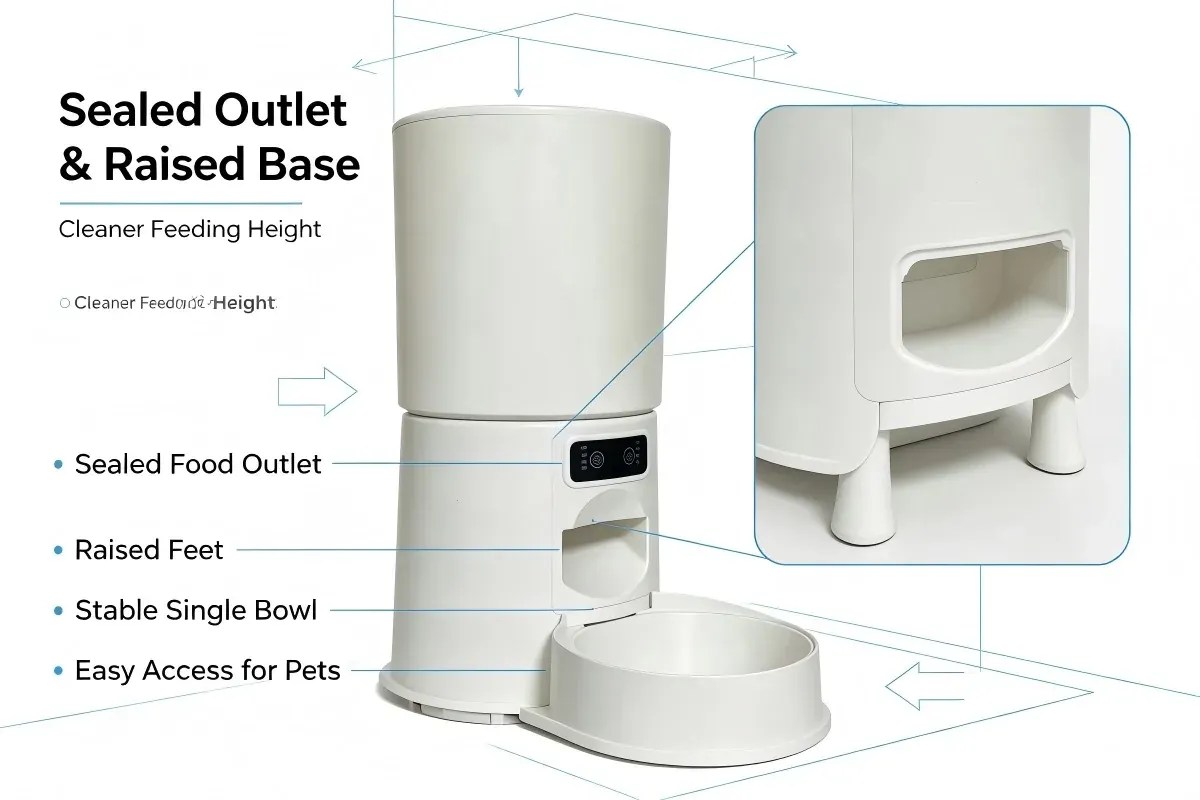
Multiple units, changing handlers and no shared network. A fixed-interval feeder is easy to reset and easy to clean. Look for removable bowls, a hopper that opens without tools and a manual that can be printed in the local language.
Unstable networks
No pairing, no cloud account and no firmware update on the critical path. The feeder still needs mains power, but a short outage is covered by the battery backup. This is the practical advantage in markets where the network is present but unreliable.
Short trips
A 5 L hopper and four to eight meals per day cover a short absence for a cat or small dog. Portion sizes of 20/40/60/80 g and a manual 10 g feed let the owner tune the amount. The owner still needs someone to check the bowl and the unit.
Three No-WiFi Options for Stock
Budget 5L
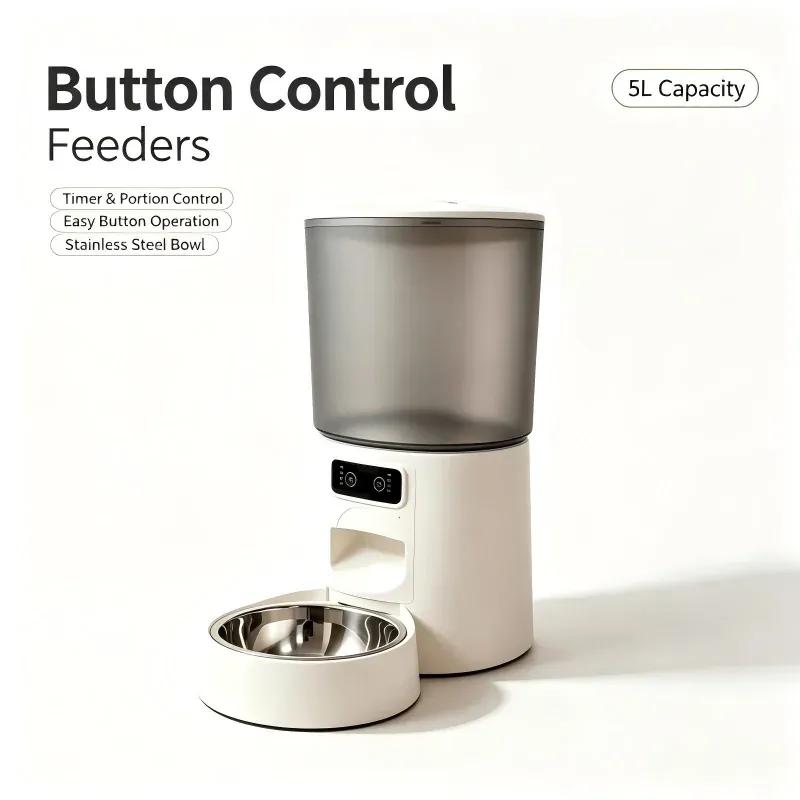
A 5 L button-control feeder with single or double bowl, no WiFi and no app. Fixed intervals of 3/4/5/6 hours, 4–8 meals per day, 20/40/60/80 g per meal (±5 g) and a manual 10 g feed (±2 g). USB 5V 1A input, 1.5 m anti-bite cable, adapter not included, 3 × D backup for about six hours. It is the entry option for price-sensitive channels, shelters and senior users. See the Budget 5L.
CW-W2510 Button
The same 5 L button logic and single or double bowl, with no WiFi or app. It suits buyers who want a familiar 5 L format and a low support load. Request the current spec sheet for the exact configuration and packaging. See the CW-W2510 Button.
CW-W2409 Button
A 5.5 L single-bowl button feeder with no WiFi or app. The larger hopper suits households that want fewer refills, while the button panel keeps setup simple. Meal and portion settings should be confirmed on the current model sheet. See the CW-W2409 Button.
All three are available at 100 units per model, with OEM at 500 and ODM at 2,000. Standard lead time is 7–30 days.
What to Verify Before Ordering
• [ ] Confirm that no app or account is needed at any stage, including setup.
• [ ] Confirm whether the schedule uses fixed intervals or clock times.
• [ ] Check the portion range and tolerance in writing.
• [ ] Confirm the power input, cable length and whether the adapter is included.
• [ ] Confirm battery type, count and backup runtime, and whether cells are included.
• [ ] Review button labels and manual language for the target market.
• [ ] Test whether settings survive a power cut.
• [ ] Check hopper and bowl removal for cleaning.
• [ ] Review carton quantity, dimensions and gross weight.
• [ ] Confirm 100 units per model, OEM 500, ODM 2,000 and the lead time.
For a broader comparison of control types, read WiFi vs button control. For sourcing terms, see the wholesale buying guide.
FAQ
Do no-WiFi feeders still need power?
Yes. The button models in this range use a USB power input. The D-size batteries are an emergency backup for about six hours, not the main supply. The adapter and batteries are not included.
Can customers change meal times remotely?
No. The schedule is set on the unit. If remote changes or feeding logs are a requirement, a WiFi model is the correct product. This should be clear on the retail listing.
Are button feeders suitable for cats?
Yes, for dry kibble from 3 mm to 18 mm. Portion control and fixed intervals work for cats and small dogs. Multi-cat homes may prefer a larger hopper or a WiFi model with more portion settings.
What is the difference between Budget 5L and CW-W2510 Button?
Both are 5 L button feeders with no WiFi or app. Budget is positioned as the entry option. Request the current specification and quotation for the exact differences rather than assuming a price gap.
Do the units include batteries and an adapter?
No. Batteries and the power adapter are not included with the feeders. Plan the retail listing and the manual around that, and offer the correct adapter as a separate line if your market expects one in the box.
Conclusion
For many channels, an automatic pet feeder without WiFi is the lower-risk SKU: fewer setup steps, fewer support cases and a clear price position. The key is to stock it for the right customer and to state the limits plainly. Fixed intervals, 3–18 mm dry kibble, USB power and a six-hour battery backup are enough for seniors, shelters, short trips and unstable networks. Buyers who need remote changes should move to WiFi. Matching the control type to the customer is the difference between a healthy listing and a return problem.